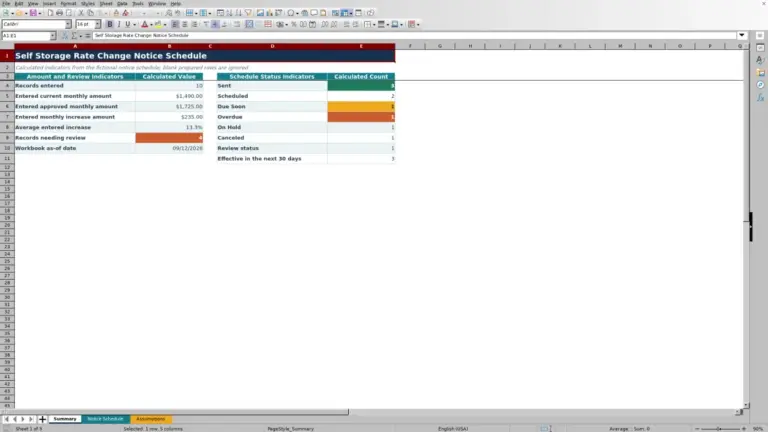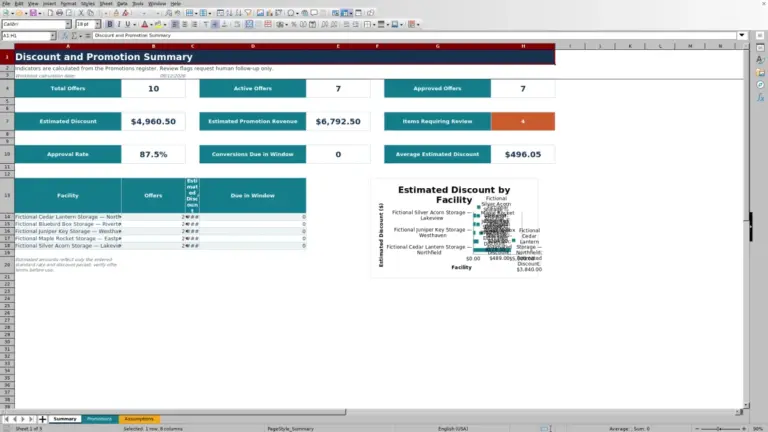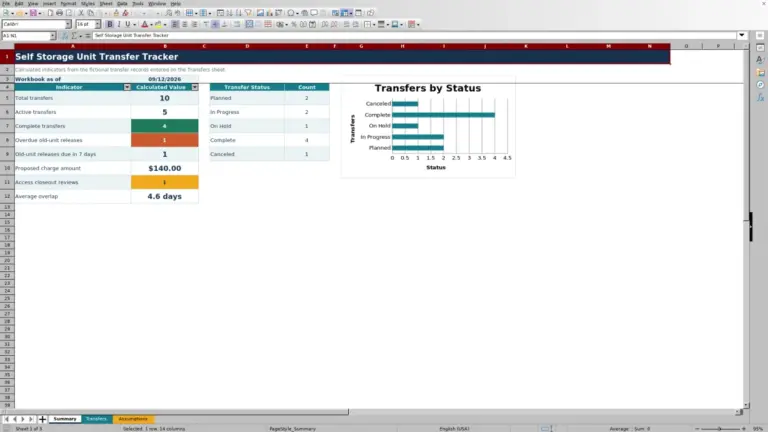
This self storage tenant contact directory Excel workbook organizes facility, unit, tenant, primary contact, alternate contact, communication preference, record owner, status, and verification information in one restricted administrative file.
The XLSX includes configurable review intervals, calculated review dates, attention flags, validated entry choices, and summary indicators that help facility managers maintain consistent contact records across multiple locations.
How this template can help
- Centralizes tenant and alternate contact information for multiple self storage facilities.
- Uses configurable facility schedules to calculate when contact records are due for review.
- Surfaces incomplete, unverified, due-soon, past-due, and contact-paused records.
- Summarizes record status, contact availability, and preferred communication methods.
What the workbook contains
How to get started
1. Configure the assumptions
Replace the fictional facilities, review intervals, communication methods, record owners, statuses, and date limits with approved operating values.
2. Enter directory records
Add each facility, unit, tenant name, available contact details, preferred method, record owner, status, last-verified date, and relevant notes in the editable Directory cells.
3. Check calculated review fields
Use the Review Due and Review Flag columns to identify missing information, unverified contacts, configuration issues, paused contact, and records approaching or passing their review dates.
4. Monitor the summary
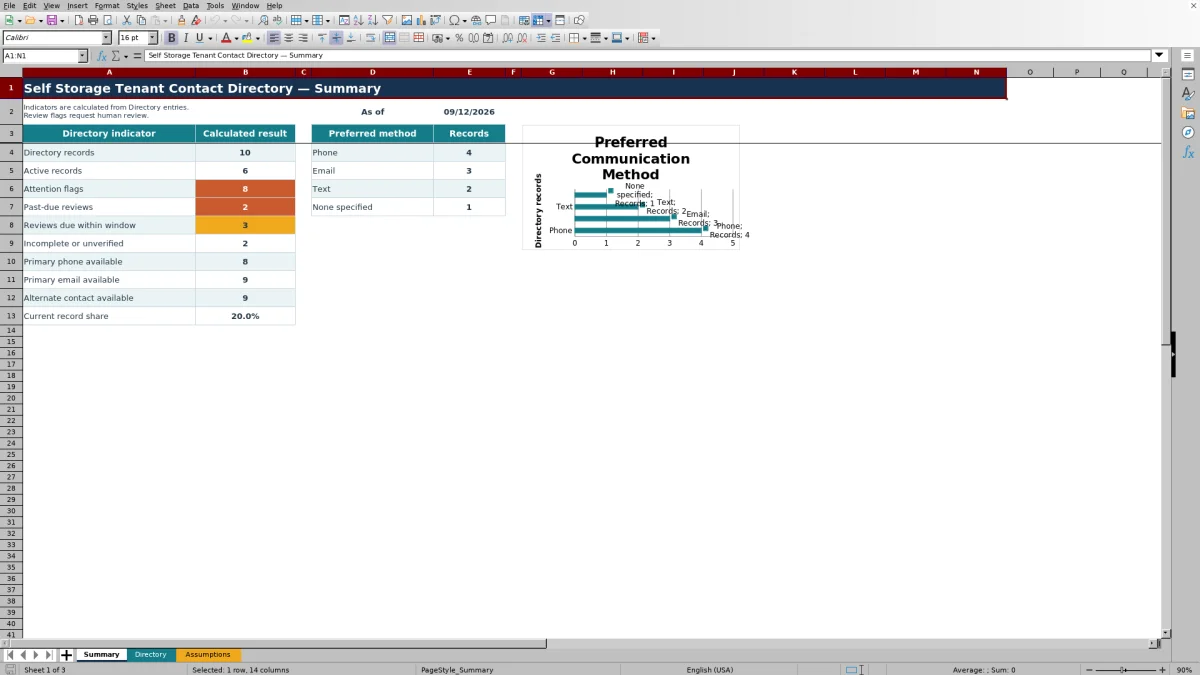
Review the calculated indicators and preferred-method chart to plan record updates and follow-up work.
Organize Tenant Contact Records
The workbook provides 120 record rows for organizing contacts by facility and unit. Each row can hold the tenant name, primary phone and email, alternate contact details, preferred communication method, assigned record owner, directory status, last verification date, and notes.
Filters across the directory help managers narrow the list by facility, status, owner, communication preference, or review condition.
Worked Self Storage Review Scenario
Consider a fictional tenant record assigned to a facility with a 180-day review interval and a 30-day due-soon window. Input: The manager enters a last-verified date that is 170 days before the current date. Result: The workbook calculates a review date 10 days away and returns a due-within-30-days flag. Interpretation: The contact record is not yet past due, but it is approaching the facility's scheduled review point. Next decision: The record owner can confirm the stored details and update the last-verified date if the information remains accurate.
Calculated Review Indicators
Review Due adds the selected facility's configured interval to the Last Verified date. The Review Flag then evaluates required fields, contact-paused status, verification data, facility setup, the calculated due date, and the due-soon window.
The Summary sheet reports total records, active records, attention flags, past-due reviews, upcoming reviews, incomplete or unverified entries, available contact channels, and the share classified as current.
Common Errors and Solutions
Common fixes begin with the Review Flag. Complete key fields when facility, unit, tenant name, preferred method, record owner, or status is missing. Add an appropriate Last Verified date when the flag requests contact verification. If Review Due remains blank after a date is entered, confirm that the selected facility appears in the assumptions list with a valid review interval.
When a date fails validation, check the earliest and latest permitted dates on the Assumptions sheet. If a record is marked Contact paused, confirm the status before taking communication-related action.
Comparison with a blank spreadsheet
Use the prepared workbook when its verified fields and calculations fit the facility task. Start with a blank spreadsheet when you need a different model and can build and test every field and formula.
| Method | Setup | Calculations and review | Practical fit |
|---|---|---|---|
| This Excel workbook | Use the prepared structure in the validated file | Review the documented calculations and results | Local editable workflow supported by the workbook |
| Blank spreadsheet | Create the structure from scratch | Build and test every formula and control | A different model designed for the facility |
Workbook Limits
This workbook is an administrative aid, not a messaging, identity-verification, access-control, or consent-management system. It does not send calls, emails, or text messages. Its formulas depend on complete entries, valid assumptions, and the current date reported by Excel.
The Directory provides 120 record rows. Additional capacity, integrations, communication history, or organization-specific controls would require separate configuration outside the documented workbook features.
Fictional Samples and Setup
The included facilities, tenants, alternate contacts, record owners, phone numbers, email addresses, and notes are fictional examples. Replace them with approved operating information before using the workbook for actual directory administration.
Because facility review intervals drive calculated dates, confirm those settings before interpreting the Summary indicators or Directory flags.
Frequently asked questions
How many tenant records does the Excel directory hold?
The Directory sheet provides 120 entry rows, covering rows 5 through 124.
Which contact details can be recorded?
Each record can include a primary phone, primary email, alternate contact name, alternate phone, alternate email, and preferred communication method.
How is the review due date calculated?
The workbook adds the selected facility's review interval from the Assumptions sheet to the record's Last Verified date. If the facility is not configured or the date is missing, the calculated result may remain blank and the Review Flag can identify the issue.
What can trigger a review flag?
Flags can identify missing key fields, paused contact, missing verification dates, facility setup issues, past-due reviews, and reviews due within the configured window. Records outside those conditions can be classified as current.
Does the workbook contact tenants automatically?
No. The workbook stores directory information and calculates administrative indicators, but it does not place calls, send emails, or send text messages.
About the editors

Casey MonroeFacility operations editor

Elliot ParkFinance and performance editor