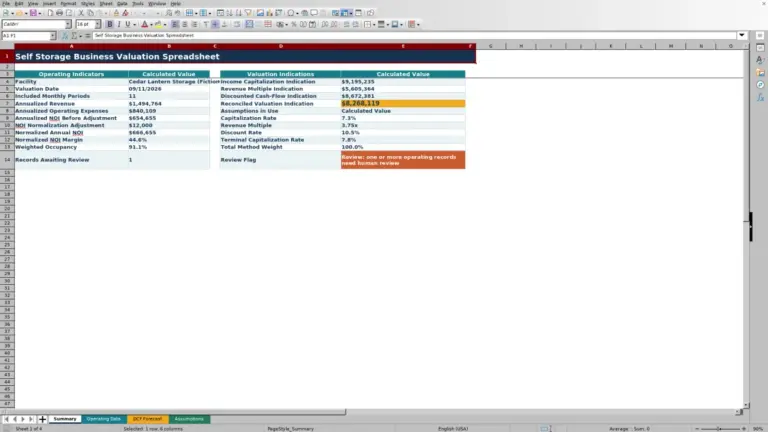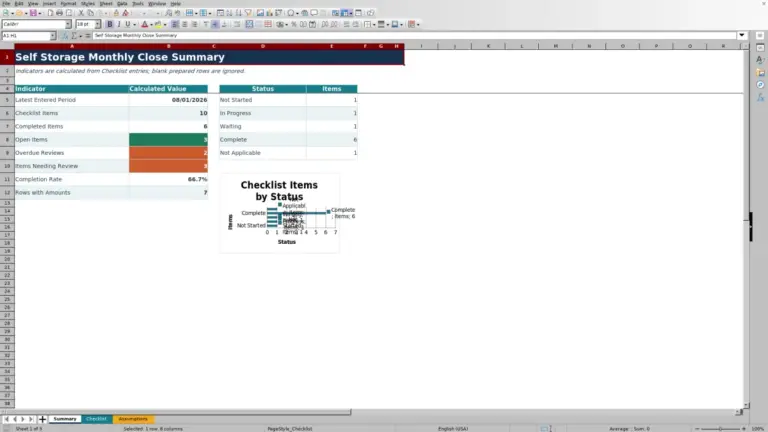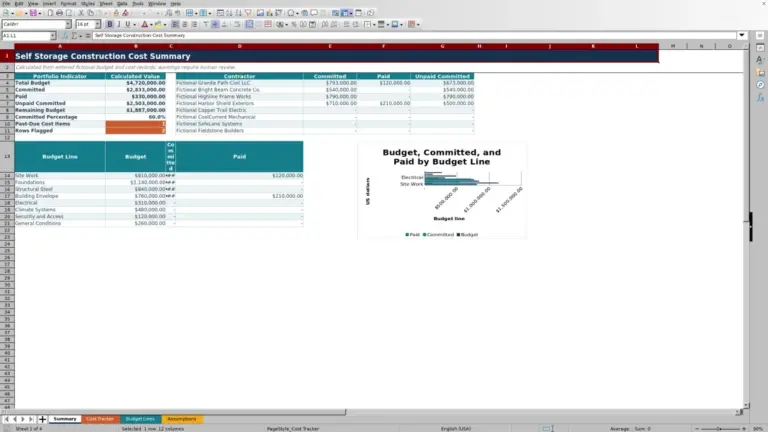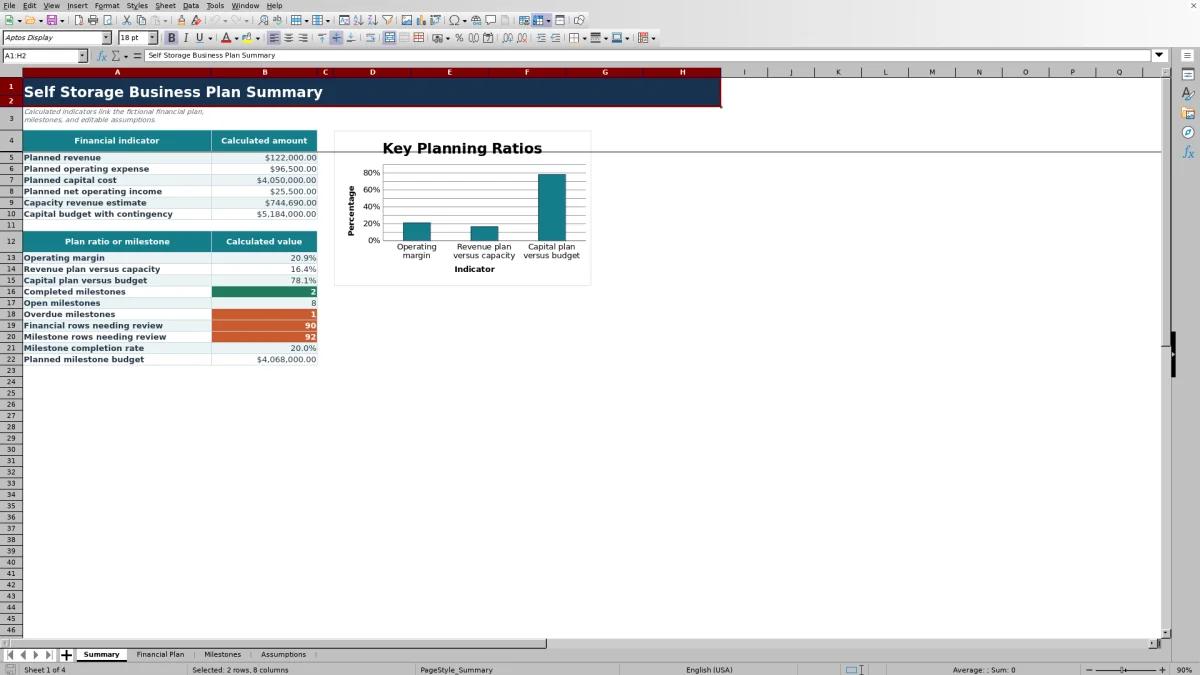
This self storage business plan template is a four-sheet Excel workbook for organizing assumptions, financial estimates, milestones, operating responsibilities, and summary metrics for a proposed facility.
The XLSX gives self-storage owners, managers, regional operators, and acquisition teams structured entry areas, validated selections, formula-based alerts, and fictional sample data that can be replaced with facility-specific inputs.
How this template can help
- Keep facility assumptions, financial estimates, operating milestones, and summary metrics in one Excel file.
- See planned revenue, operating expense, capital cost, net operating income, and key plan ratios update from linked entries.
- Identify missing information, approaching deadlines, past-due items, and blocked milestones through formula-based alerts.
- Use validated categories, statuses, amounts, and dates to keep financial and milestone entries consistent.
What the workbook contains
How to get started
Step 1: Set the facility assumptions
Open the Assumptions sheet and replace the fictional yellow-cell values with the planning start date, horizon, capacity, pricing, budget, contingency, and alert timing inputs for the facility.
Step 2: Build the financial plan
Enter revenue, operating expense, and capital cost records in the Financial Plan sheet. Add the period, amount, owner, status, due date, and notes for each record.
Step 3: Map the operating milestones
Use the Milestones sheet to schedule work such as site selection, feasibility, financing, design, permitting, construction, pre-opening, lease-up, and operations.
Step 4: Check the linked summary
Use the Summary sheet to examine totals, ratios, milestone progress, and alert counts. Return to the source rows to correct incomplete information or update plans as conditions change.
Organize a Self-Storage Facility Plan in Excel
Linked planning connects the workbook's assumptions, financial records, operating milestones, and summary indicators. Changes to supported inputs flow into the related summary formulas, reducing the need to recalculate totals in separate files.
The Financial Plan separates revenue, operating expense, and capital cost. The Milestones sheet organizes work from site selection through operations, while the Summary presents calculated amounts, ratios, completion measures, and records requiring follow-up.
Worked Scenario for an Opening Plan
Consider a fictional facility with two revenue entries of $18,500 and $26,000 and two operating expense entries of $31,000 and $32,000. Assume these are the only populated financial rows.
Input: Classify the first two entries as Revenue and the second two as Operating Expense. Result: The Summary calculates $44,500 of planned revenue, $63,000 of planned operating expense, and negative $18,500 of planned net operating income.
Interpretation: For the entered periods, planned operating costs exceed planned revenue by $18,500; capital costs remain separate from this net operating income calculation. Next decision: Check the opening expense schedule, revenue ramp, and timing assumptions, then update the source rows before relying on the plan.
Structure Revenue, Expense, and Capital Entries
Category discipline matters because the Summary uses the Unit selection to aggregate each financial class. A revenue row entered as an operating expense will change revenue, expense, net operating income, and related ratios.
Each financial record can include a facility, period, amount, owner, status, due date, and note. The validated selections support Revenue, Operating Expense, and Capital Cost, along with Draft, Planned, Confirmed, Completed, and On Hold statuses.
Coordinate Milestones and Operating Responsibilities
Date-aware tracking helps teams connect planned work with owners, statuses, due dates, budgets, and notes. Available milestone categories cover site selection, feasibility, financing, design, permitting, construction, pre-opening, lease-up, operations, and review.
The Summary counts completed, open, and overdue milestones, totals milestone amounts, and calculates completion rate. Because timing formulas use the current date, alert results may change whenever Excel recalculates the workbook.
Common Errors and Solutions
Resolve the source entry when the Review column displays a warning.
- If a row says Required input missing, fill in the required facility, category, period, amount, owner, status, or due-date field identified by that sheet's formula.
- If a financial amount warning appears, replace a negative entry with a nonnegative planning amount that matches the validated range.
- If Review days needed appears, enter an alert window from 0 to 90 days in the corresponding Assumptions cell.
- If a row is past due or due soon, verify its due date and status, then update the schedule or status.
- If a milestone is blocked, record the current status and use the notes field to capture the operational issue and next action.
Comparison with a blank spreadsheet
Use the prepared workbook when its verified fields and calculations fit the facility task. Start with a blank spreadsheet when you need a different model and can build and test every field and formula.
| Method | Setup | Calculations and review | Practical fit |
|---|---|---|---|
| This Excel workbook | Use the prepared structure in the validated file | Review the documented calculations and results | Local editable workflow supported by the workbook |
| Blank spreadsheet | Create the structure from scratch | Build and test every formula and control | A different model designed for the facility |
Workbook Limits and Planning Boundaries
The workbook provides 100 Financial Plan rows and 100 Milestones rows, with formulas, validation, filters, and summary references configured through row 104. Adding capacity beyond those ranges requires extending the related workbook elements.
The XLSX is a structured planning aid rather than a complete narrative business plan or financing package. Its calculations depend on entered assumptions and categories, and its date alerts depend on Excel's current date. Facility teams should update source entries as budgets, schedules, and operating expectations change.
Frequently asked questions
What is included in the self storage business plan template?
The Excel workbook includes Summary, Financial Plan, Milestones, and Assumptions sheets. Together they organize facility inputs, financial estimates, operating tasks, calculated ratios, completion measures, alerts, and a summary chart.
How many financial and milestone records can I enter?
The Financial Plan has 100 configured entry rows, and the Milestones sheet has another 100. Their formulas, validation, filters, and summary ranges run from row 5 through row 104.
Does the Excel template calculate net operating income?
Yes. Planned net operating income equals planned revenue minus planned operating expense. Capital cost is totaled separately and is not deducted in that calculation.
How do the Review columns work?
The Financial Plan and Milestones sheets use formulas to flag conditions such as missing required inputs, negative financial amounts, approaching deadlines, past-due records, and blocked milestones. Blank rows remain blank.
Does this XLSX create a complete narrative business plan?
No. It focuses on structured assumptions, financial entries, milestones, operating responsibilities, and linked summary metrics. Long-form company, market, and strategy sections must be prepared outside the workbook.
About the editors

Casey MonroeFacility operations editor

Elliot ParkFinance and performance editor