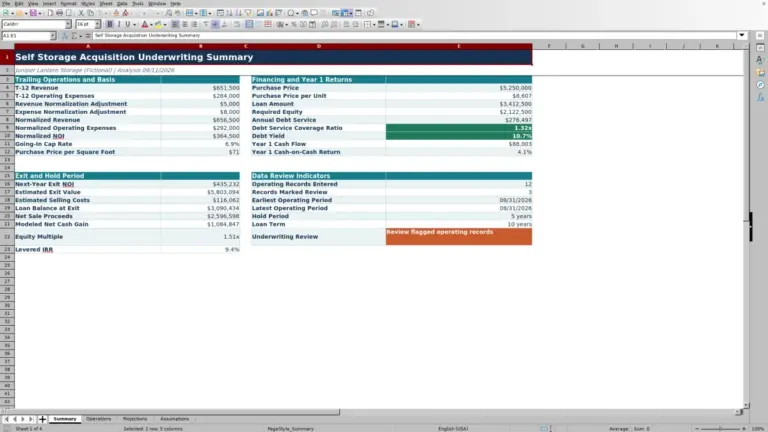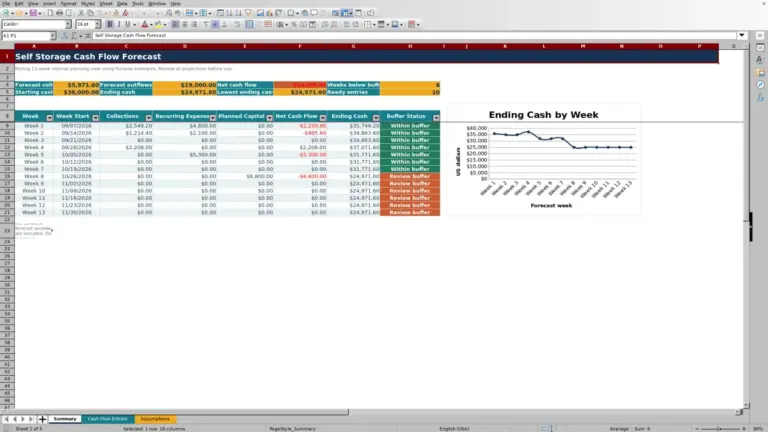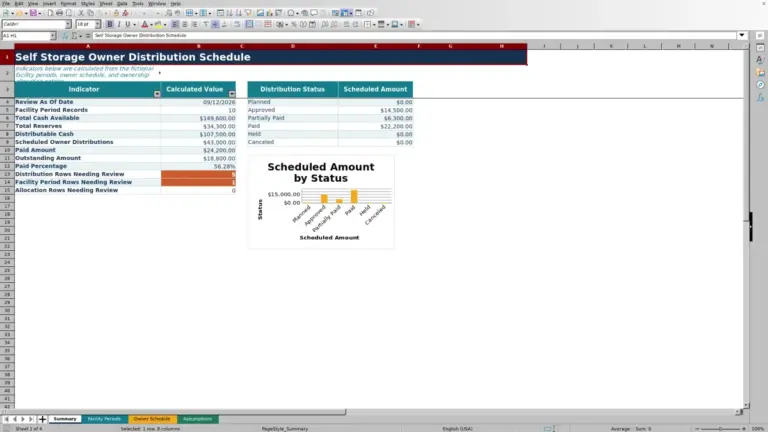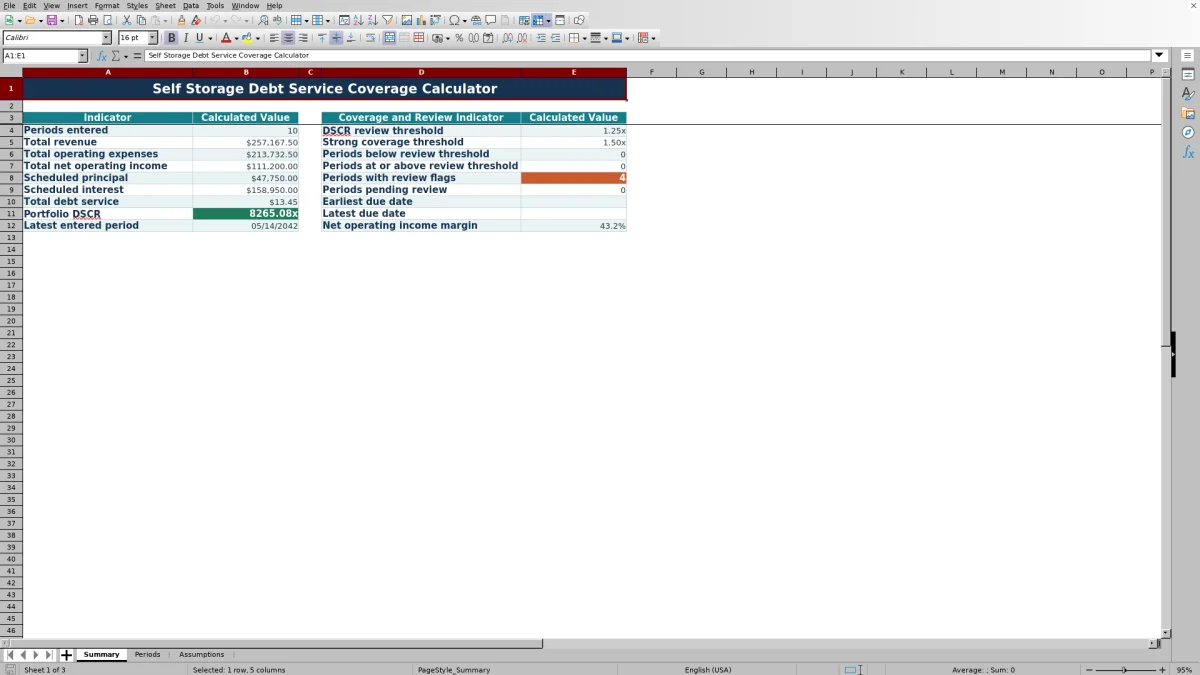
This self storage debt service coverage calculator is an Excel workbook for comparing net operating income with scheduled principal and interest by reporting period. The XLSX calculates period DSCR, portfolio DSCR, debt service totals, and net operating income margin.
Facility owners, managers, regional operators, and acquisition teams can enter up to 120 facility-period records, assign owners and statuses, track due dates, and use review flags to identify incomplete records or coverage concerns.
How this template can help
- Calculates period DSCR from net operating income and scheduled debt service.
- Summarizes revenue, operating expenses, net operating income, principal, interest, and portfolio DSCR.
- Surfaces incomplete records and coverage concerns through the Review Flag column.
- Keeps thresholds, accepted date limits, amount limits, and status options in one assumptions area.
What the workbook contains
How to get started
1. Check the assumptions
Open the Assumptions sheet and confirm the DSCR review threshold, strong coverage threshold, accepted record dates, and maximum single amount. The default coverage thresholds are 1.25x and 1.50x.
2. Enter each facility period
Use the pale yellow cells on the Periods sheet to enter the facility, period, revenue, operating expenses, scheduled principal, scheduled interest, record owner, status, due date, and notes.
3. Check the calculated results
Read the calculated net operating income, debt service, DSCR, source amount check, and Review Flag. Blank results generally indicate that required inputs are missing or debt service is not greater than zero.
4. Use the portfolio summary
Open the Summary sheet to examine totals, portfolio DSCR, threshold counts, pending records, due-date range, latest entered period, and net operating income margin.
How the DSCR Calculation Works
Net operating income equals revenue minus operating expenses. Debt service equals scheduled principal plus scheduled interest. When debt service is greater than zero and all required amounts are present, the workbook divides net operating income by debt service to calculate the period DSCR.
The Summary sheet calculates portfolio DSCR by dividing total net operating income by total debt service across entered periods. Because an aggregate ratio can offset a weak month with a stronger one, operators can also check each period's result and the count below the selected review threshold.
Worked Self-Storage Scenario
Consider a fictional monthly record with Inputs of $44,000 in revenue, $24,800 in operating expenses, $11,000 in scheduled principal, and $4,900 in scheduled interest. Net operating income is $19,200, and debt service is $15,900.
Result: $19,200 divided by $15,900 produces a DSCR of approximately 1.21x. Interpretation: the ratio is below the workbook's default 1.25x review threshold. Next decision: verify the source amounts, examine the operating expense and revenue drivers, and determine whether the upcoming payment schedule needs closer operational attention.
Common Errors and Solutions
Blank DSCR values usually mean revenue, operating expenses, principal, or interest is missing, or calculated debt service is zero or negative. Complete the required source fields and confirm that principal and interest match the scheduled amounts for that period.
A Review Flag can also identify a missing facility, period, record owner, status, or due date. If Excel rejects an amount or date, compare the entry with the limits on the Assumptions sheet. Default accepted dates run from January 1, 2016, through December 31, 2031, and the default maximum single amount is $100,000,000.
Comparison with a blank spreadsheet
Use the prepared workbook when its verified fields and calculations fit the facility task. Start with a blank spreadsheet when you need a different model and can build and test every field and formula.
| Method | Setup | Calculations and review | Practical fit |
|---|---|---|---|
| This Excel workbook | Use the prepared structure in the validated file | Review the documented calculations and results | Local editable workflow supported by the workbook |
| Blank spreadsheet | Create the structure from scratch | Build and test every formula and control | A different model designed for the facility |
Workbook Limits
The workbook is a screening and organization tool based on entered period data. It does not generate a loan amortization schedule, calculate future loan payments, or replace source accounting and debt records. Scheduled principal and interest must be entered for each applicable period.
The workbook contains no charts and supports 120 detail rows. Portfolio DSCR is an aggregate result, so it should be considered alongside individual period ratios, statuses, due dates, notes, and flags.
Managing Statuses and Due Dates
The Periods sheet limits status entries to Actual, Forecast, or Pending Review. Operators can use these options to distinguish completed results from forward-looking estimates and records that are not yet finalized.
Period and due-date fields use the accepted date range stored on the Assumptions sheet. The Summary sheet reports the earliest and latest due dates, the latest entered period, and the number of records marked Pending Review.
Using the Summary for Portfolio Monitoring
The Summary sheet consolidates total revenue, operating expenses, net operating income, scheduled principal, scheduled interest, and debt service. It also displays portfolio DSCR, net operating income margin, and counts above or below the selected DSCR review threshold.
Use the summary to locate broad coverage patterns, then return to the Periods sheet to inspect the facility, month, source amounts, status, due date, notes, and flag associated with a specific result.
Frequently asked questions
What information is required to calculate DSCR?
Enter revenue, operating expenses, scheduled principal, and scheduled interest for the period. The workbook calculates net operating income, total debt service, and DSCR from those amounts.
Why is a period DSCR cell blank?
The DSCR remains blank if required operating or debt-service inputs are missing or if total debt service is not greater than zero. Check the revenue, expense, principal, and interest cells for that row.
Can I change the DSCR thresholds?
Yes. The Assumptions sheet contains editable defaults of 1.25x for the DSCR review threshold and 1.50x for strong coverage emphasis. Valid entries range from 0.01x to 10.00x.
How many facility periods can the workbook hold?
The Periods sheet provides 120 detail rows, covering rows 5 through 124. Each row can represent a facility and reporting period.
Are the included facility records real?
No. The example records for Cedar Lantern Self Storage and Riley Quill are fictional and are provided only to demonstrate the period-entry workflow.
About the editors

Casey MonroeFacility operations editor

Elliot ParkFinance and performance editor